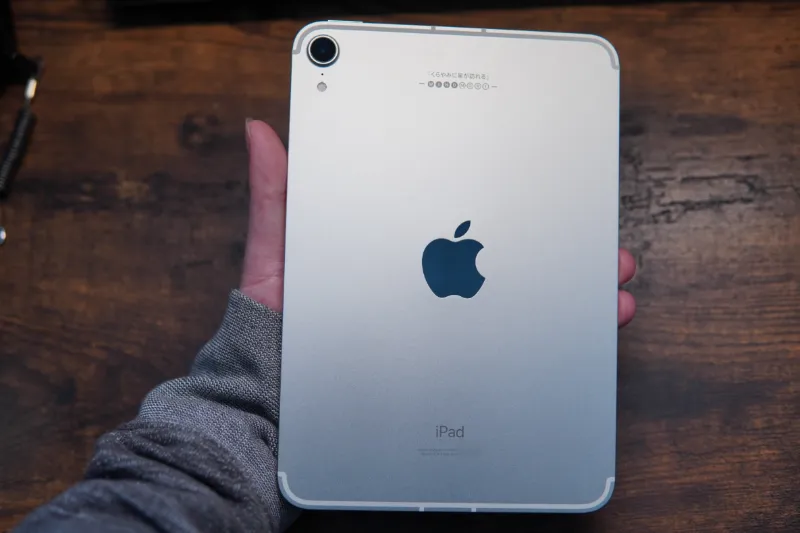
My Experience Buying and Using the iPad mini 6
Process of buying the iPad mini 6 and my thoughts after using it.
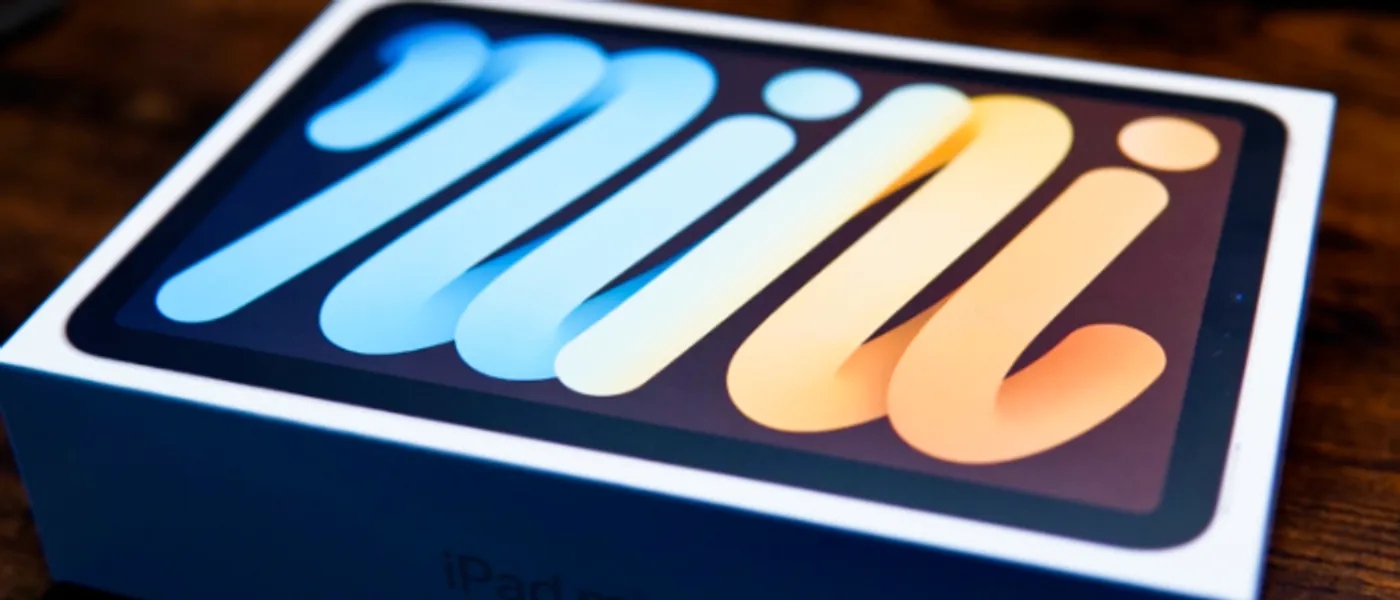
The long-awaited iPad mini 6 has finally arrived. After using it for over a week, I’d like to share my experience regarding the purchase and my thoughts on using it.
The Buying Process
I didn’t pre-order it right at launch. Instead, I waited over a month, checked out the physical unit at an electronics store, and then placed my order online after I got home.
Timeline:
- October 24
- Placed order on the Apple website with engraving. Estimated delivery: Nov 30 - Dec 7.
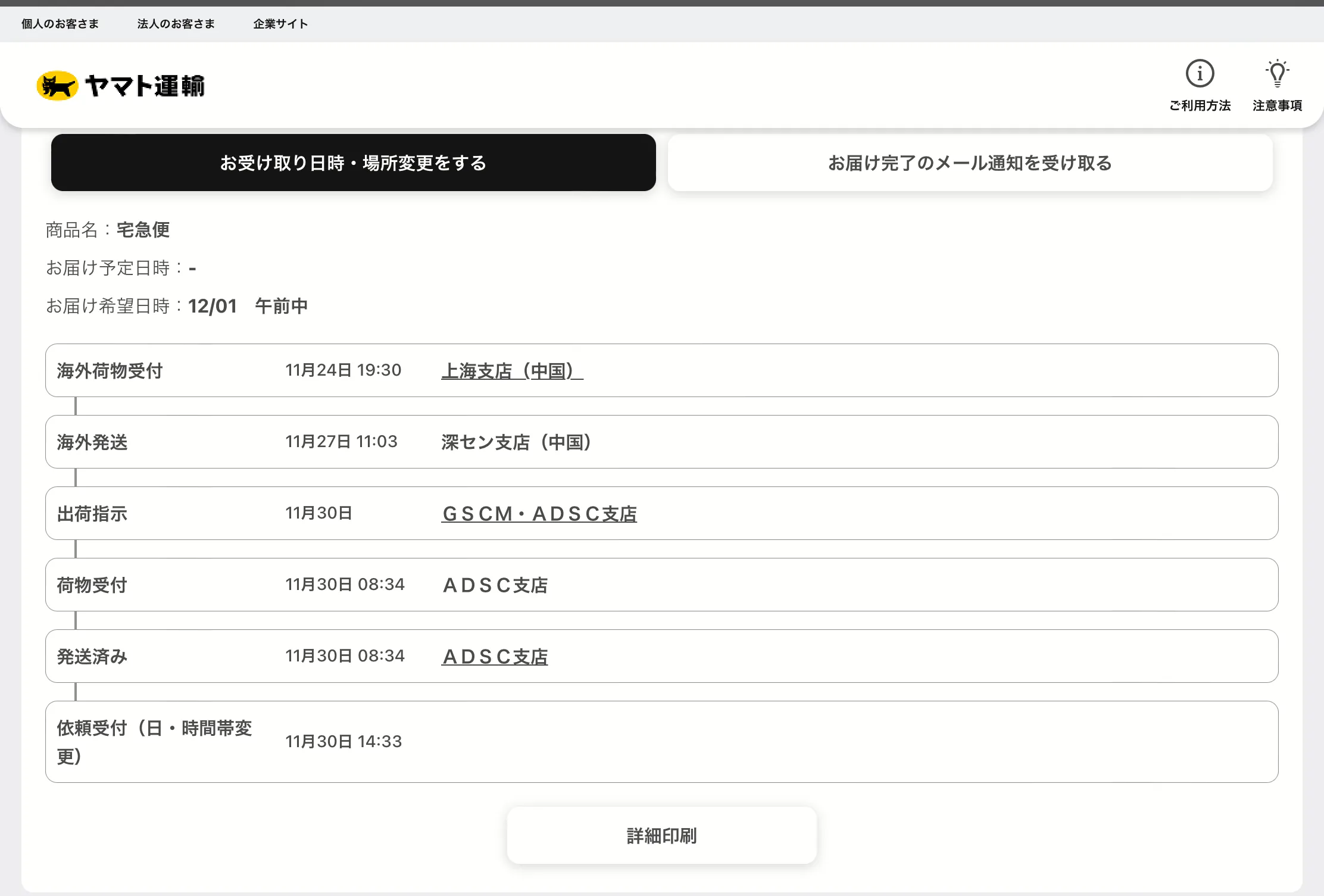
- November 24
- Credit card charged, status updated to shipped. Picked up by Yamato Transport at the Shanghai branch (China).
- Received a text saying it would be delivered on Dec 1.
- I thought, “Surely it’ll arrive in a couple of days, right?”
- November 27
- No updates for a while, then suddenly on the 27th, it showed up at the Shenzhen branch!
- November 30
- Finally a “Shipping Instruction” update! They were really determined to make me wait until Dec 1.
- December 1
- Received the iPad in the morning as scheduled.
Unboxing
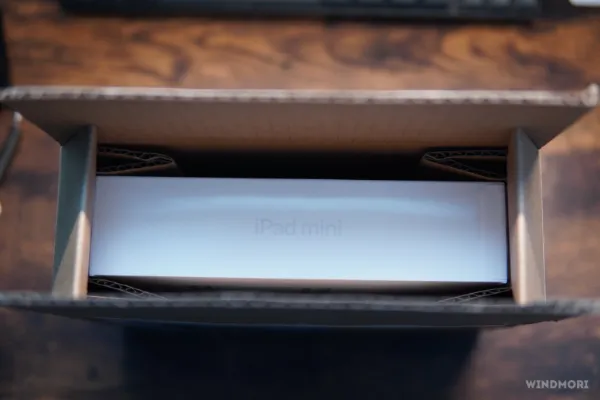
The outer box isn’t very large, but the internal shock protection is quite well designed.
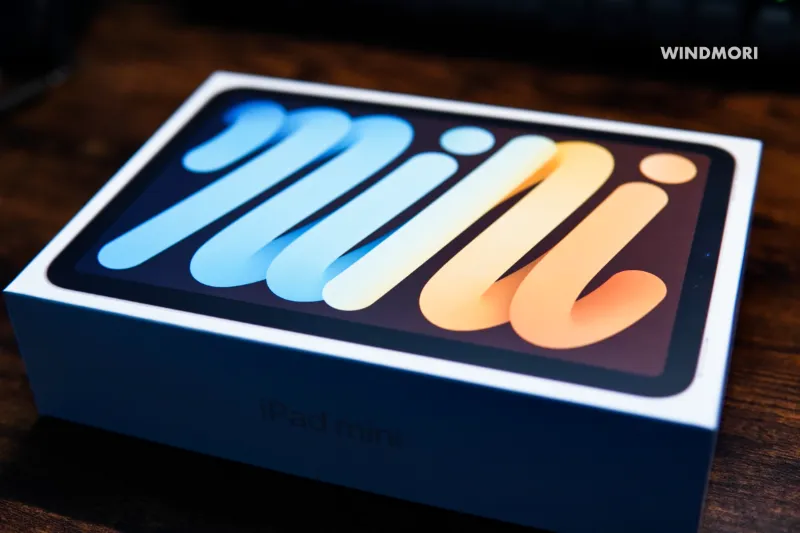
Here’s what it looks like out of the box.
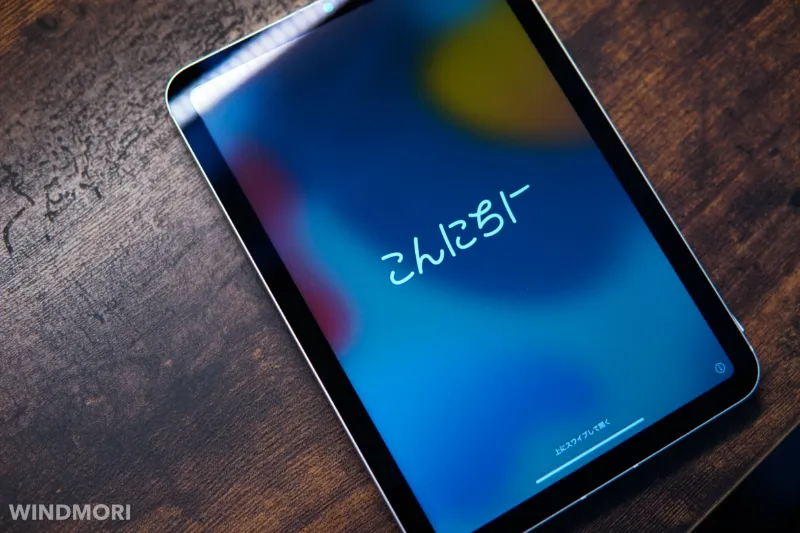
Although it has an oleophobic coating, it still picks up fingerprints and reflects light quite easily.
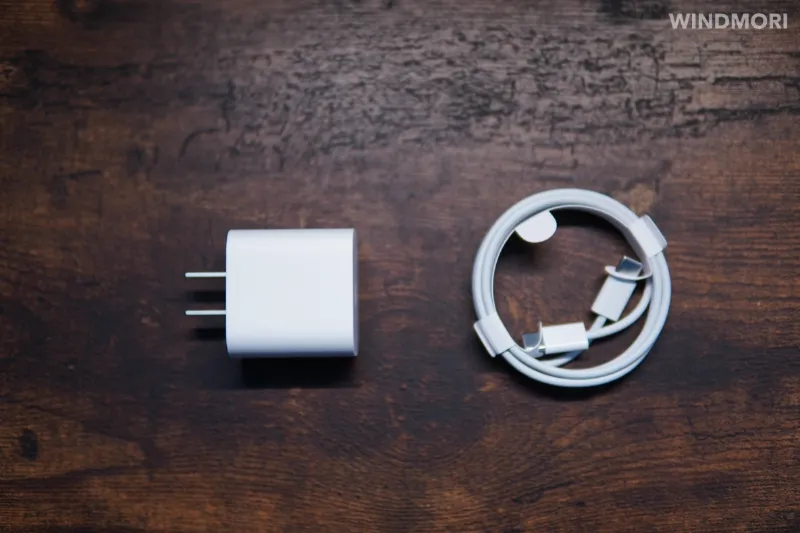
Accessories include the iPad itself, a 20W charger, a USB-C charging cable, and the manual.

Here is my custom engraving on the back. Guess what the Chinese characters mean? (Laughs)
My Thoughts
Why I Bought It
- My 10.5-inch iPad Pro is too heavy for long handheld sessions. I bought the 10.5 iPad Pro back in my student days and have used it ever since. The performance is still great, no issues there. But if I’m sitting on the sofa wanting to read or browse for a bit, my arms get tired after less than ten minutes.
- Phone screen is too small, battery is too short. I currently use an iPhone mini. It’s compact and has a great camera, making it an excellent tool when I’m out and about. But the downsides are the small screen, which is uncomfortable for eyes during long viewing sessions, and the battery life, which keeps me from using it heavily when I’m outside.
Based on these two points, after trying the iPad mini 6 at the store, I didn’t hesitate to order it immediately. I had read many articles saying “iPhone mini 13 + iPad mini 6 is the ultimate combo,” so I had high expectations even before it arrived.
WiFi vs. Cellular
Since I considered using it to replace my iPhone mini for certain tasks while out, I went straight for the Cellular version. This way, I can handle almost any mobile activity directly on the iPad (except making calls) without tethering to the iPhone.
Of course, if you plan to use it mostly indoors, the WiFi version is perfectly adequate. My iPad Pro is WiFi-only, and I’ve never felt the need for cellular data on it.
64GB vs. 256GB
I don’t play games and I don’t store loads of movies, but I still opted for 256GB. Main reasons:
- No anxiety about storage space; I can download whatever apps I want.
- I can store a massive library of e-books.
- I can edit photos and videos taken with my iPhone mini.
While I might not use up the full 256GB, I felt 64GB definitely wouldn’t be enough. Considering the system itself takes up over 10GB, there wouldn’t be much left. I never want to relive the days of constant “Storage Full” notifications. Laughs.
Do You Need an Apple Pencil?
With an Apple Pencil, you can take smooth handwritten notes and operate the iPad more precisely. My biggest realization while using it: It’s a great way to use the iPad without smudging the screen with fingers.
Even though the iPad mini screen has an oleophobic coating, it still gets covered in fingerprints during use. And they are hard to wipe off even with water. The Apple Pencil allows me to navigate the iPad mini without leaving a mess of prints. Also, the feature where you swipe up from the bottom left corner to take a screenshot is super useful.
However, the Apple Pencil 2 isn’t cheap. So if you don’t have a real need for handwriting or drawing, I don’t think it’s worth buying just for navigation.
Choice of SIM Card (Japan)
With the rise of remote work, I don’t take the iPad mini out that often. So the occasions where I need cellular data are infrequent. I wanted a SIM plan with a small data cap but a low price, making it sustainable for the long term. After some research, I found two good options:
Rakuten Mobile
Rakuten Mobile contracts have no fixed monthly fee. If you use less than 1GB a month, the base fee is free.
Even if you exceed 1GB, the pricing is tiered.
So if you only go out a few times a month and just check emails or messages, Rakuten Mobile is the best choice.
It supports eSIM, so you can activate it immediately after applying, and it doesn’t take up the physical SIM slot.
The downside is that Rakuten’s network coverage isn’t the best. Be prepared for that. For example, you might lose signal on the train sometimes.
IIJmio
IIJmio has a Giga Plan. For eSIM, the lowest tier is just 440 yen for 2GB, and unused data rolls over to the next month.
This means if you don’t go out much, the saved data piles up for later use.
Additionally, IIJmio allows you to toggle “Low Speed Mode” in their app. In this mode, data usage doesn’t count against your high-speed quota. It’s very practical if you’re just out checking emails or sending texts.
Since my phone uses Rakuten Mobile, I decided to get the IIJmio eSIM 2GB plan for the iPad mini.
That way, if my phone’s Rakuten signal is weak, I can at least use the tablet’s IIJmio signal. Haha.
Other Thoughts
To be honest, even without a case, holding the iPad mini single-handed gets tiring after a while. (Maybe it’s just because I’m lazy? Haha)